

Alerts
Get told when a check fails.
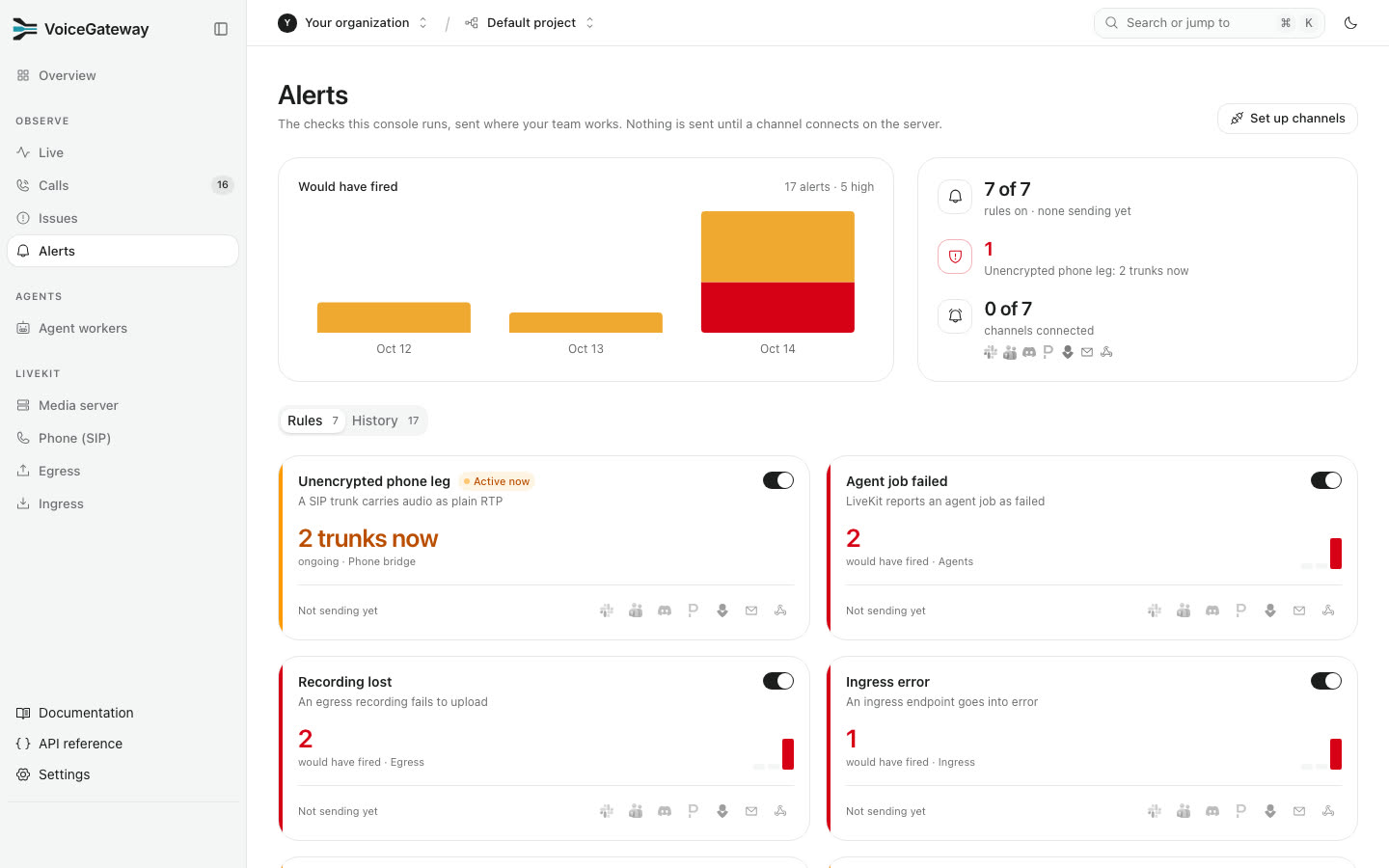
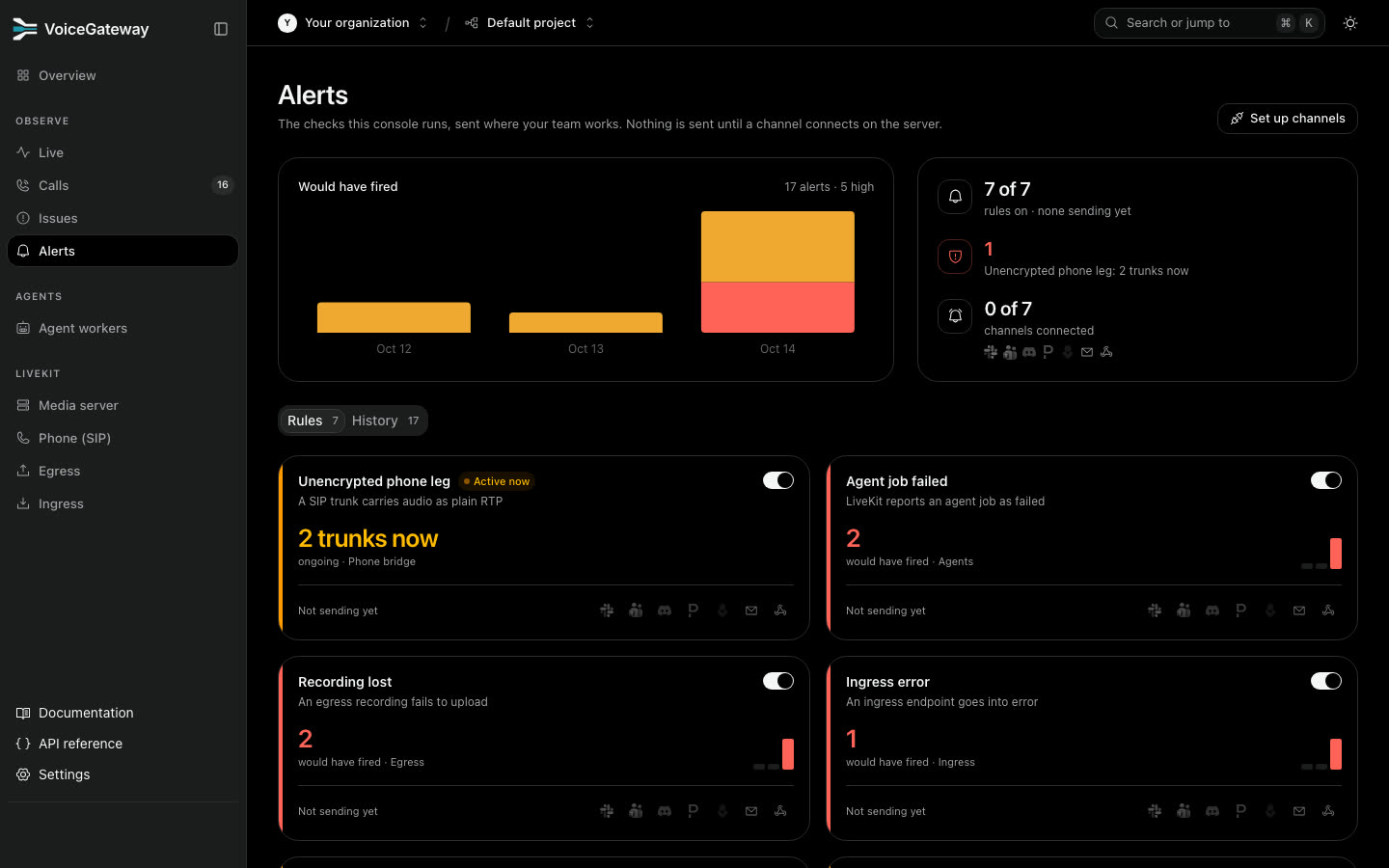
| Rule | Fires when |
|---|---|
| Slow answers | Answer time passes your budget |
| Replies cut off | The caller talks over the agent and it stops |
| Agent job failed | LiveKit reports an agent job as failed |
| Slow agent join | The agent takes too long to join the room |
| Unencrypted phone leg | A SIP trunk carries audio as plain RTP |
| Recording lost | An egress recording fails to upload |
| Ingress error | An ingress endpoint goes into error |
An alert resolves after 30 minutes or 5 good calls.
Where alerts go
An Admin sets up each channel once in Settings, Integrations. Then pick the channels on each rule's card.
| Channel | Paste |
|---|---|
| Slack | An incoming webhook URL |
| Microsoft Teams | A Workflows webhook URL |
| Discord | A channel webhook URL |
| PagerDuty | An Events API v2 integration key |
| Opsgenie | An API integration key |
| Up to 20 addresses | |
| Webhook | An http or https URL (https only on Cloud). Each alert is signed |
PagerDuty and Opsgenie open one incident per alert and close it when the alert resolves. Send test checks a channel without paging anyone on PagerDuty.
Was this page helpful?