

Calls
Every call, and everything inside one call.
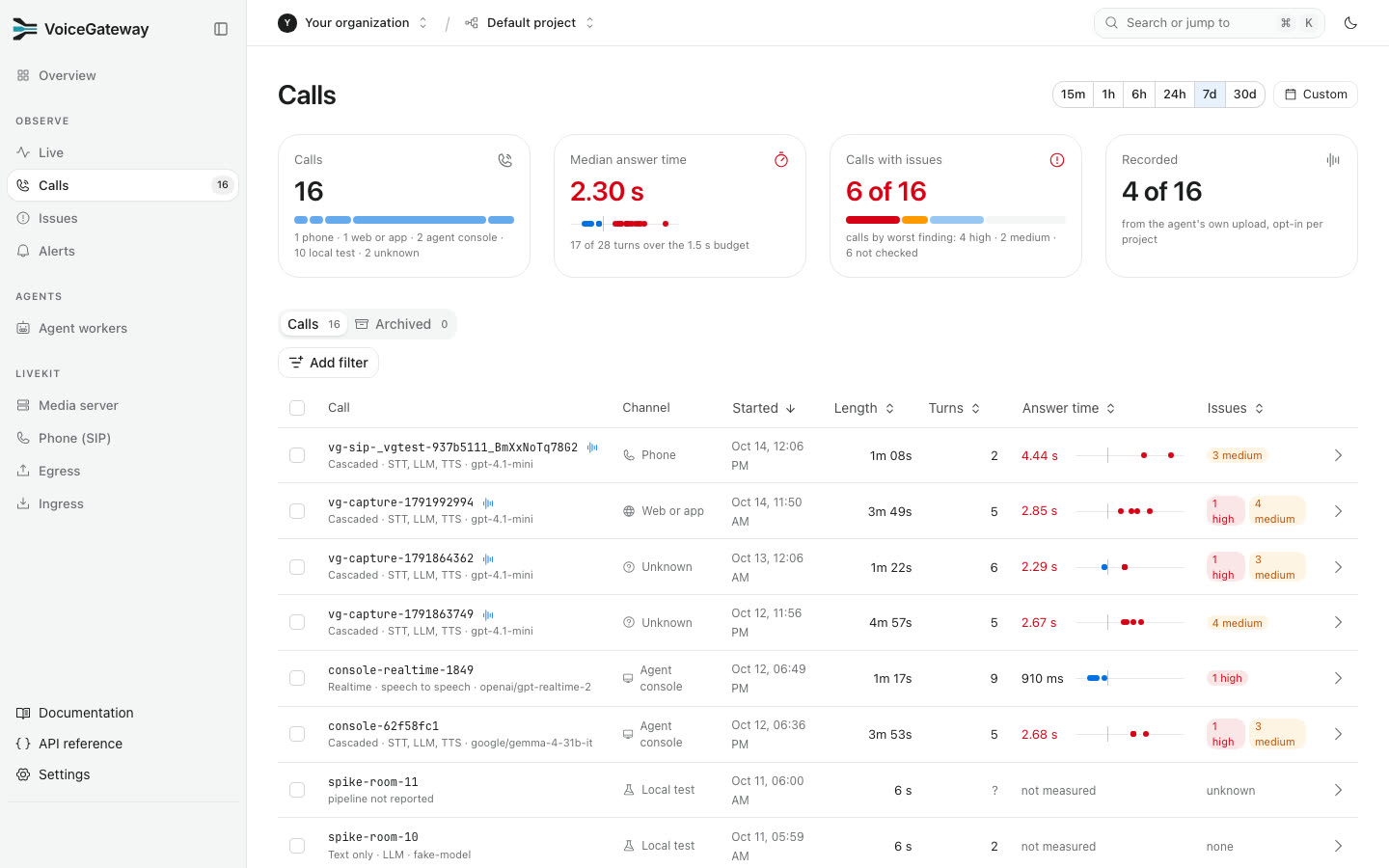
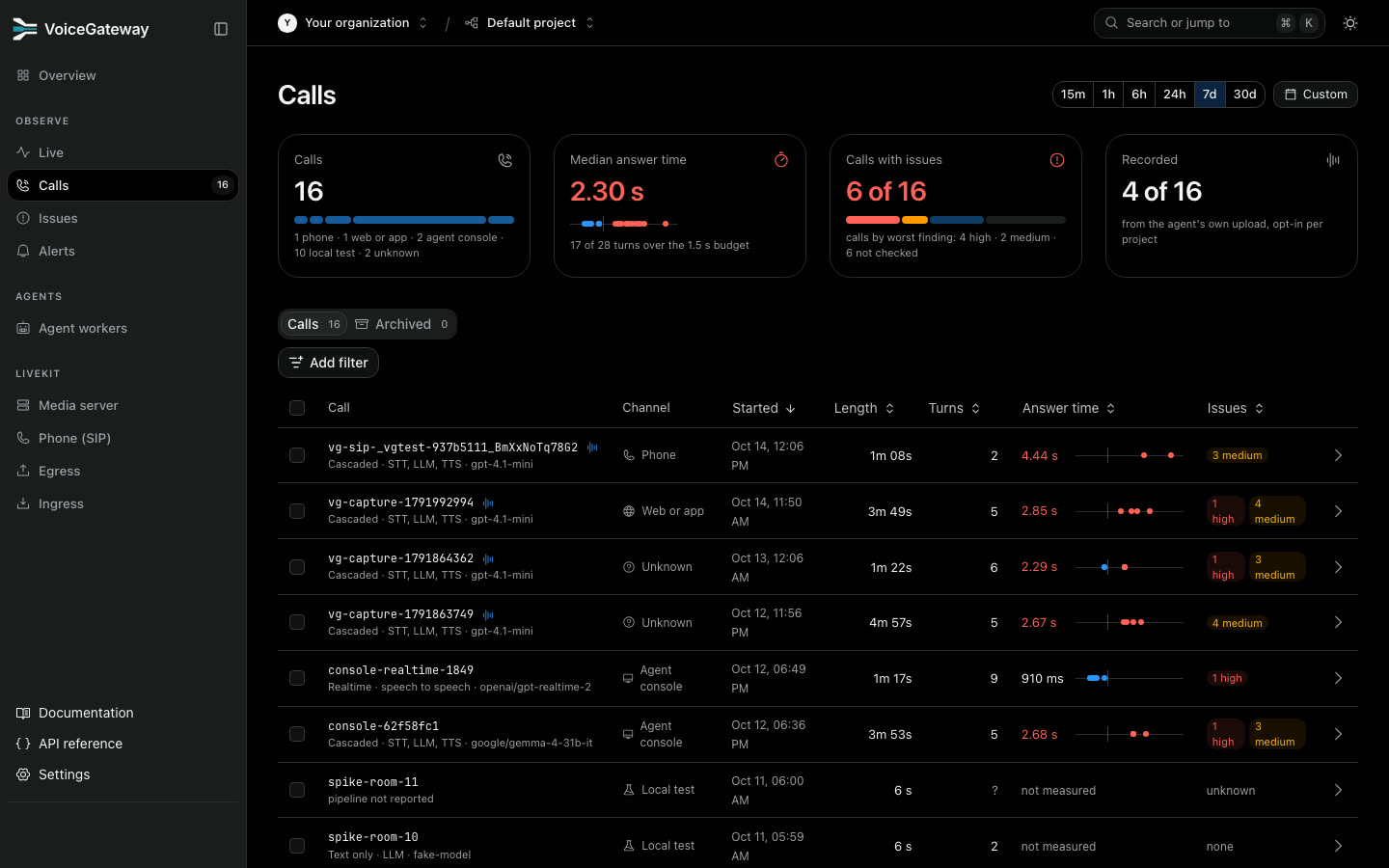
The list shows every call with its answer time and issues. Filter it like a spreadsheet, and share the link: filters live in the URL.
One call
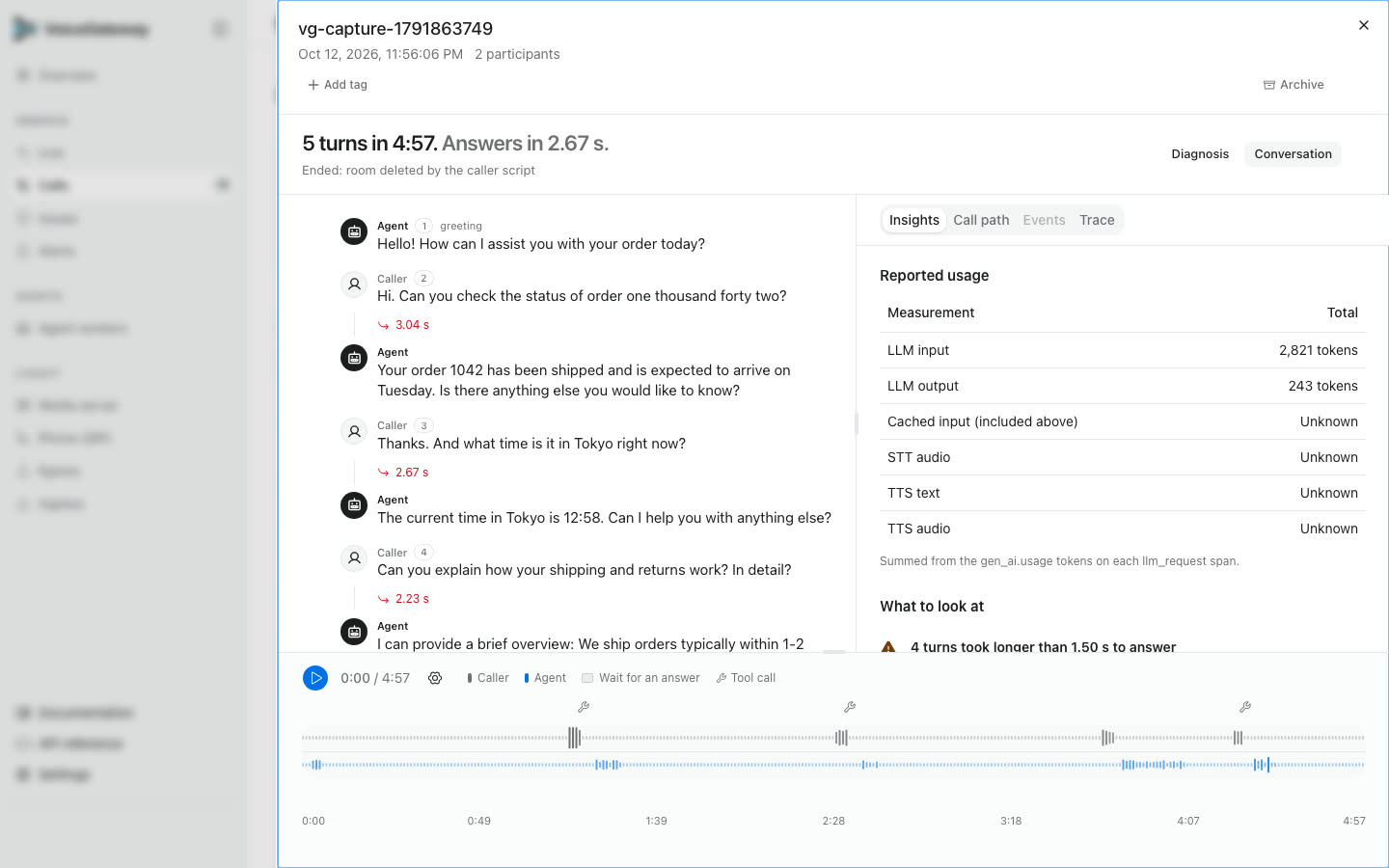
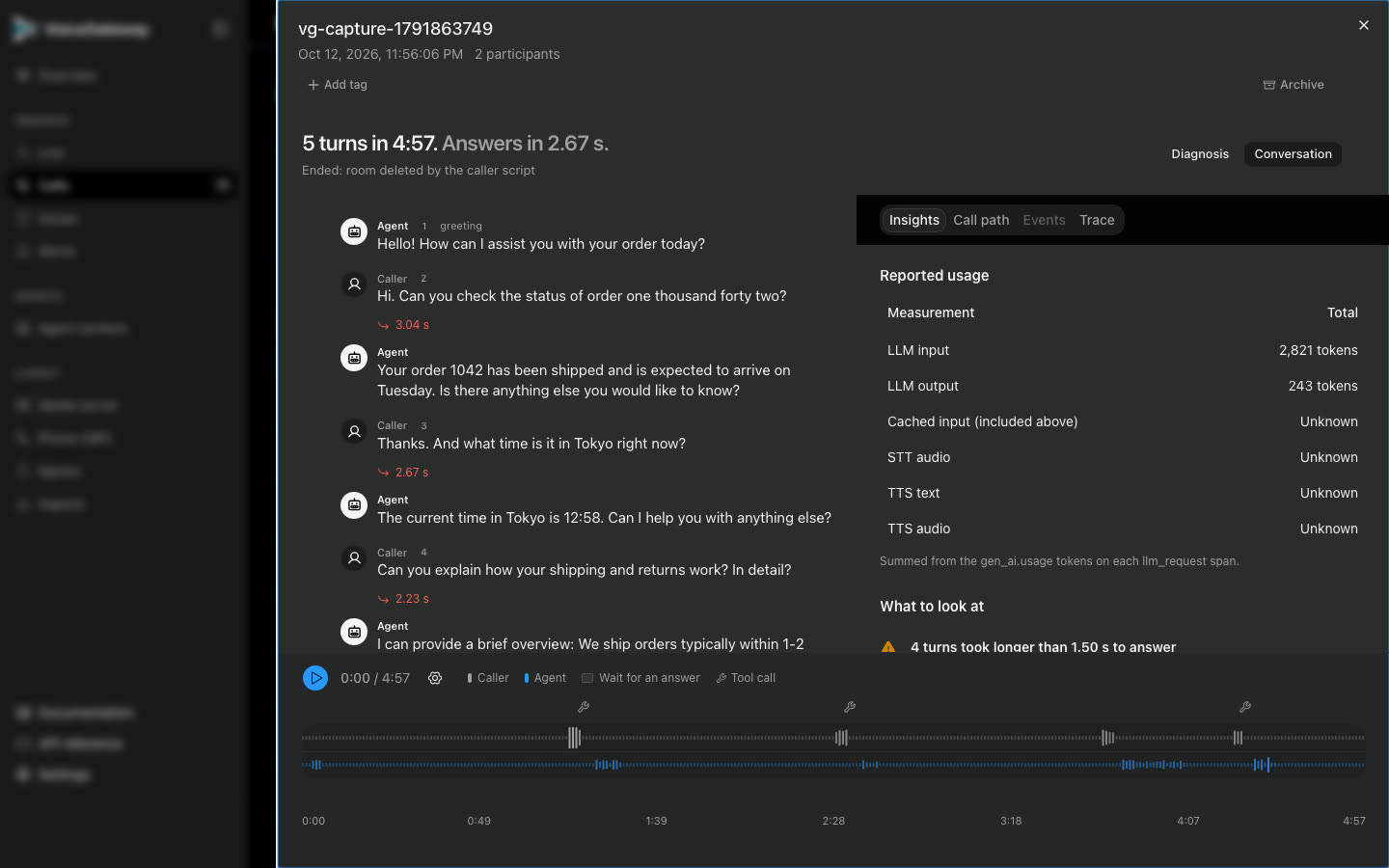
Conversation shows the transcript with each answer time, the call's usage, the call path, LiveKit's events and the agent's trace.
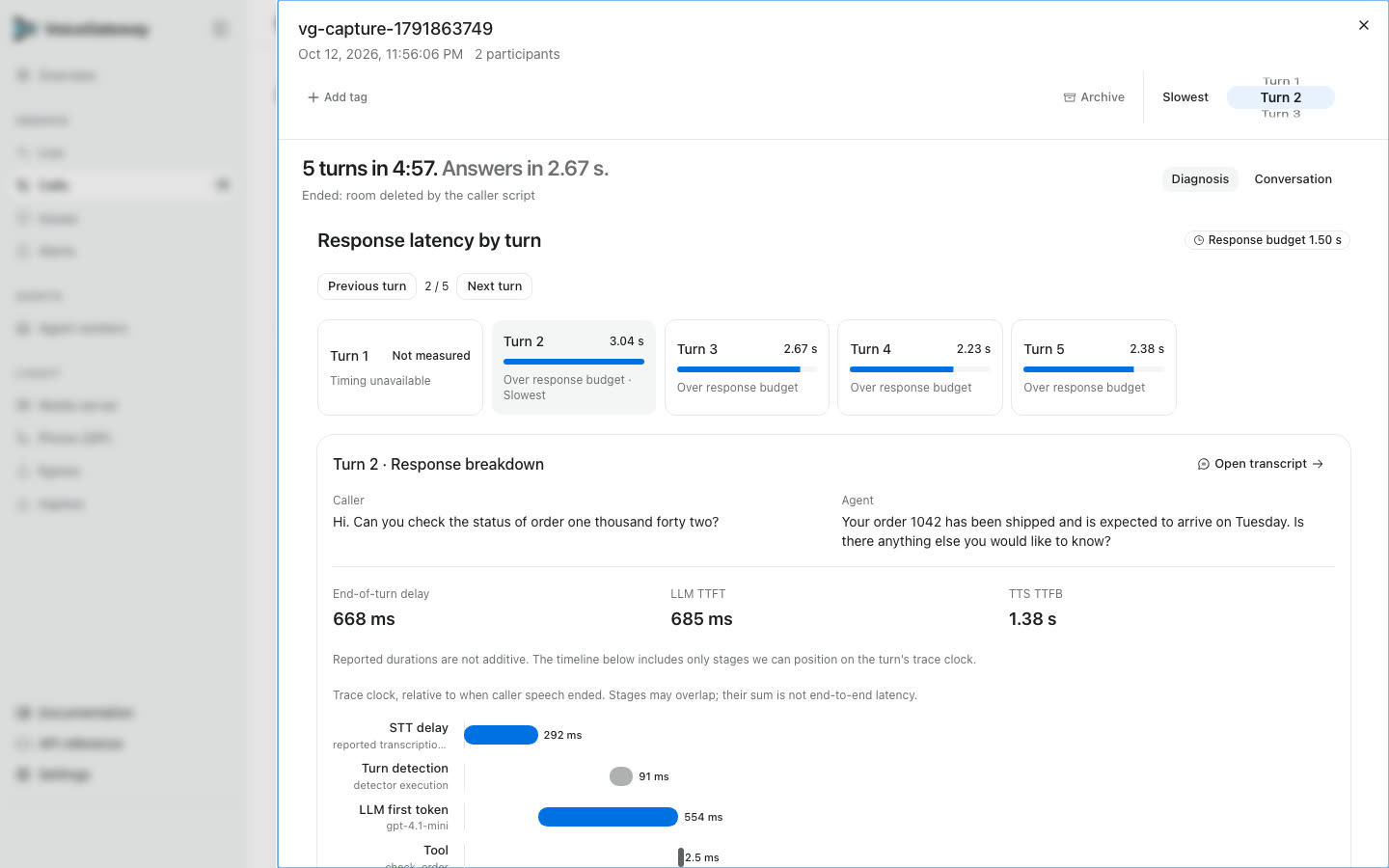
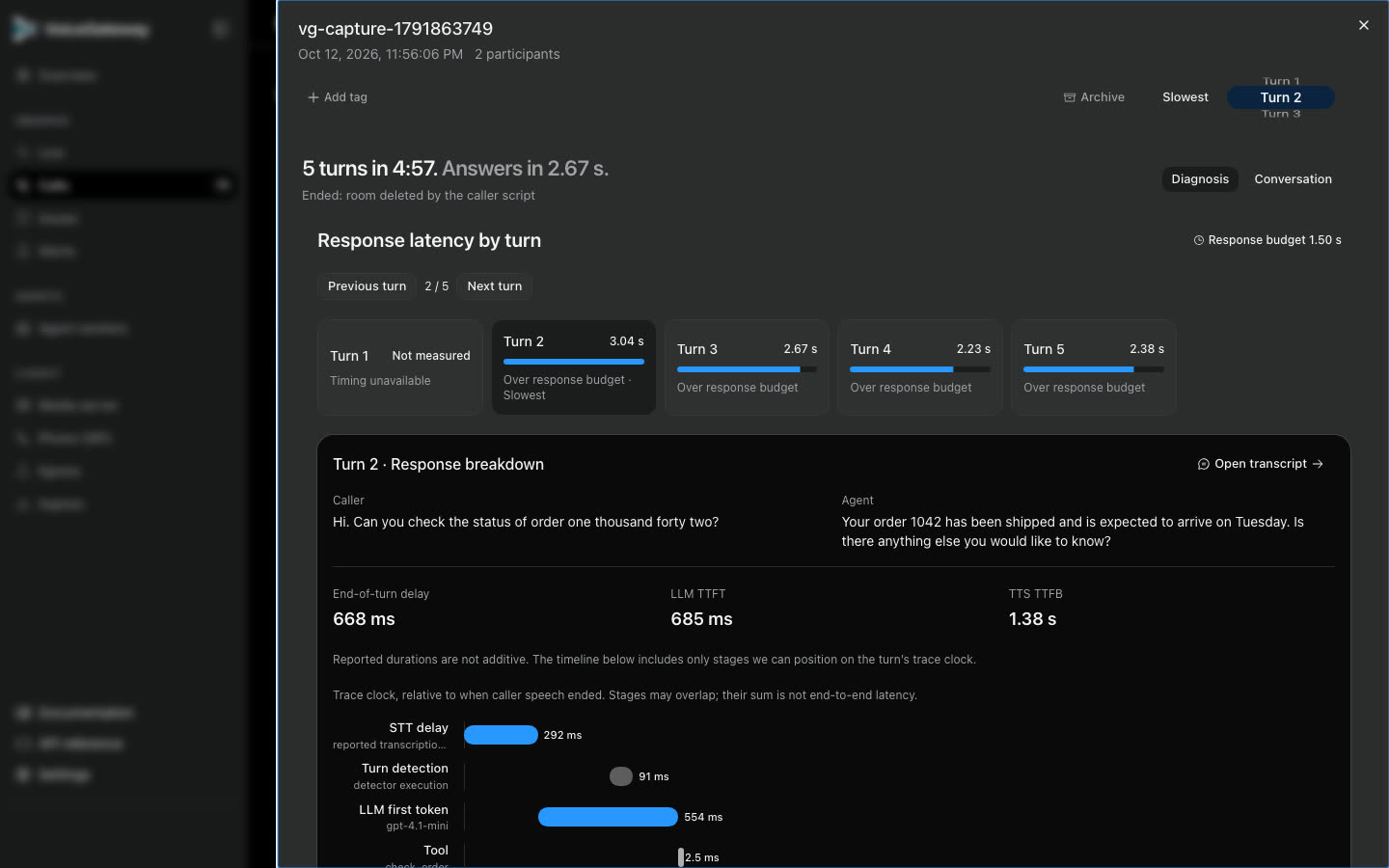
Diagnosis opens on the slowest turn. It splits the answer into speech to text, turn detection, model first token, tools and voice first audio, on the turn's own clock. Stages can overlap, so they are not added up.
| You see | It comes from |
|---|---|
| Transcript and turns | The agent's session upload |
| Turn timings | The agent's spans |
| Room and participants | LiveKit webhooks |
| Tokens, audio seconds, characters | The agent's usage metrics |
| Recording | The agent's upload, when recordings are on |
| Custom fields | The Python SDK |
Tags, archive and recordings
Add tags to a call, or archive it to hide it from the list. A Member or an Admin can change both.
Recordings are off for every new project. Turn them on with make project-recordings PROJECT=production SET=on; the agent's record=True sends the audio, and the call plays it under the transcript. Recordings are deleted after 90 days.
Was this page helpful?